Present with tap-controlled slides
Record one continuous camera and microphone take while moving through graphics, alert imagery, and other media.
Let an automation generate the graphics and assemble a draft Quick Take, or build one from your library. Record the update, add captions, and publish broadcast-quality video in vertical, square, or landscape formats.
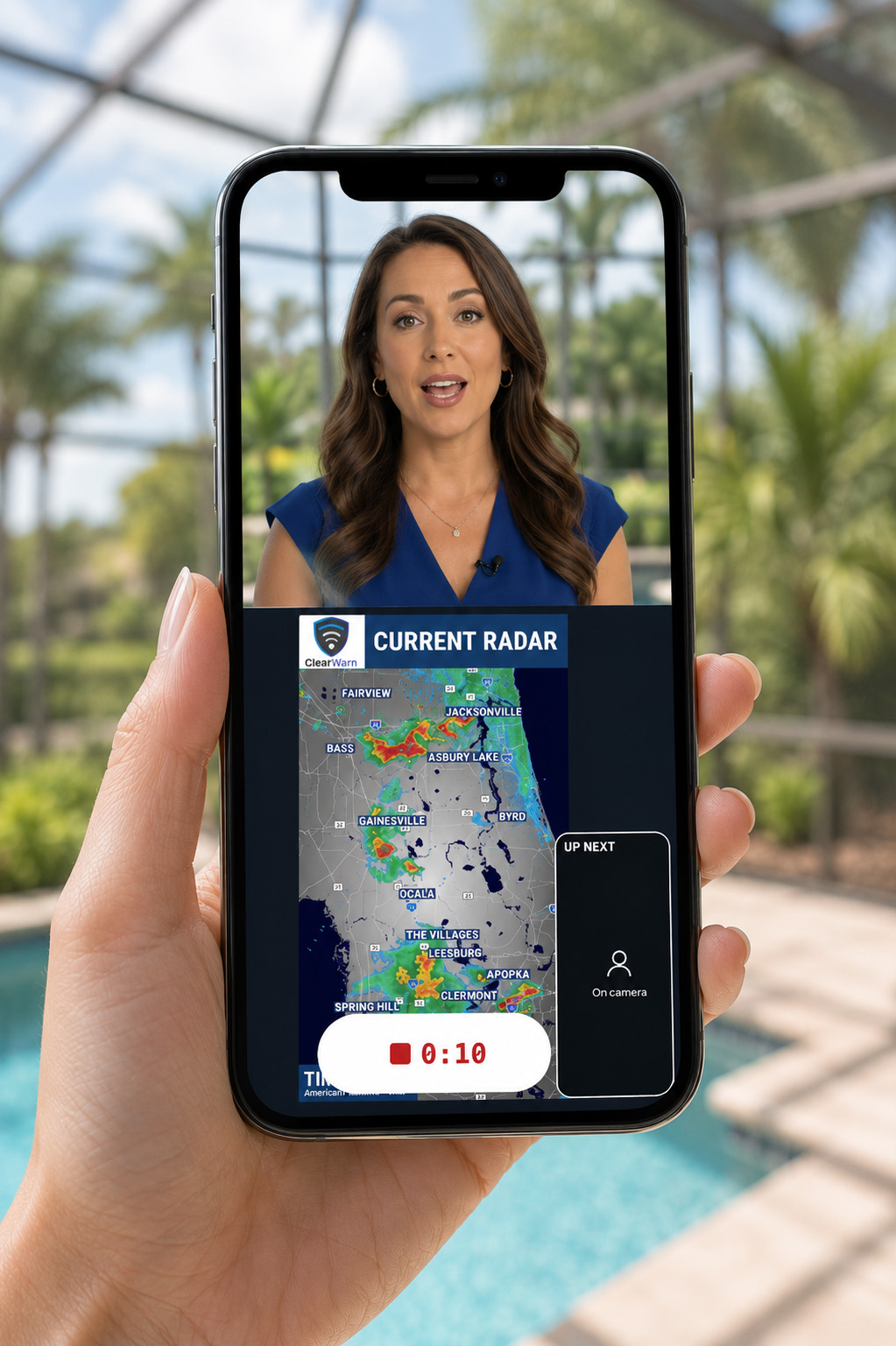
Record one continuous camera and microphone take while moving through graphics, alert imagery, and other media.
Place the presenter beside the weather story and keep the composition suited to the selected output format.
Generate burned-in captions with word highlighting and styling that fits the project.
Arrange video, images, audio, text, shapes, alerts, and transitions, then render a finished MP4.
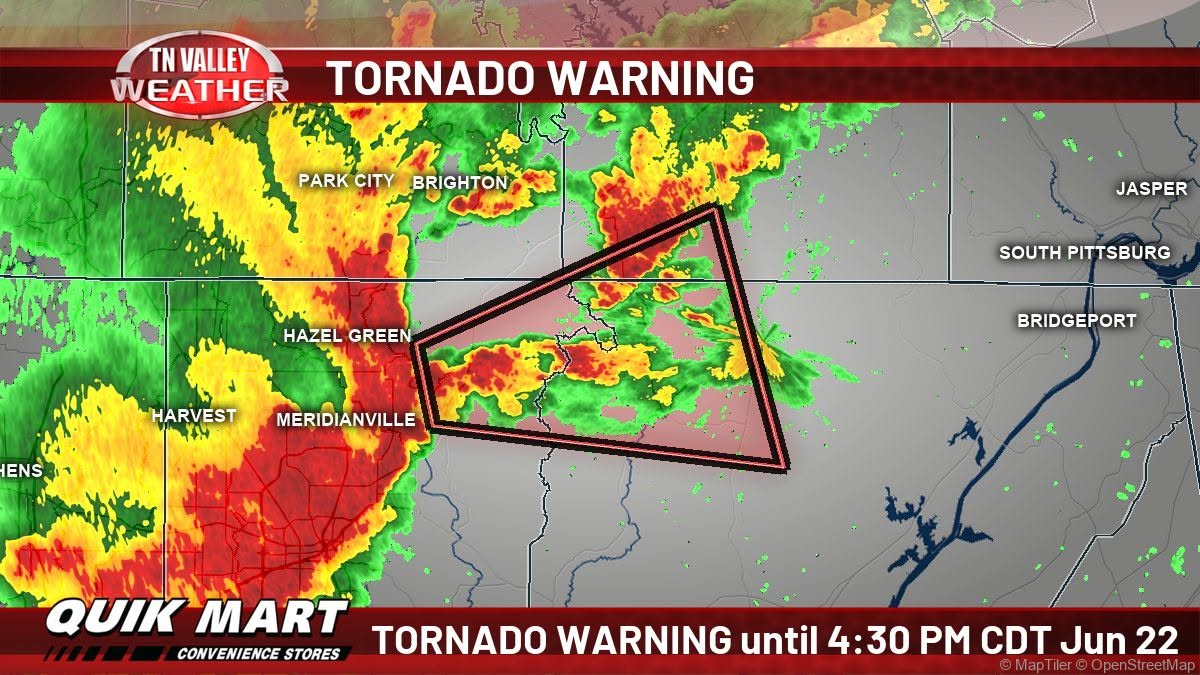
Pull from the Graphics Library, Media Library, or Alert History. An automation can also assemble a Quick Take draft with the right graphics in the right order before the presenter begins.
See video automation